1. Control Your Design With Variables
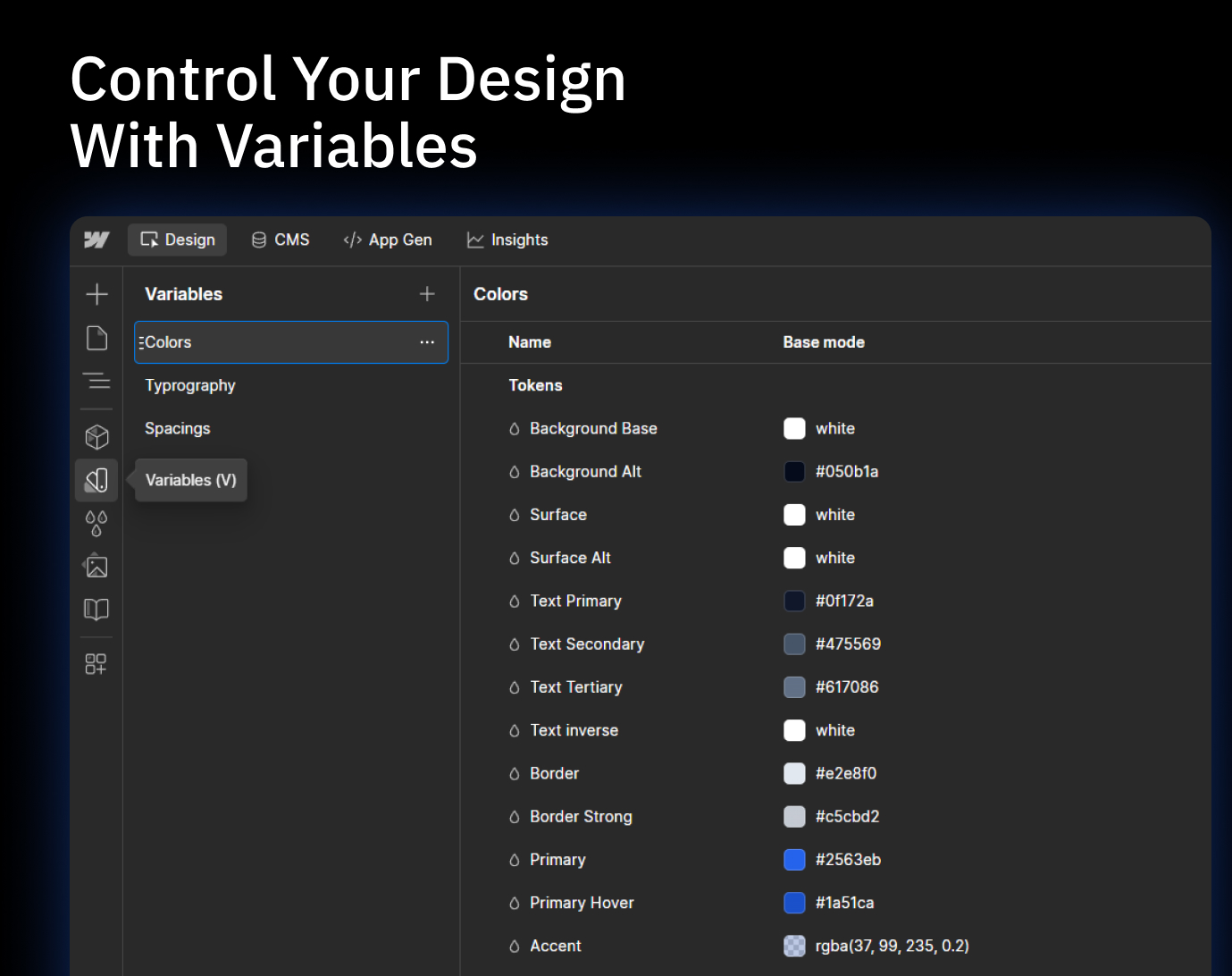
Centralized control → Update one variable and it applies everywhere.
Consistency → Keep colors, text, and spacing uniform across your project.
Flexibility → Change backgrounds, text colors, or accents with just a slider.
Efficiency → Save time by avoiding manual edits on each element.